Owner's Manual — page 68 of 201 (printed page 66)
GENERAL INFORMATION
Text on this page
66 GENERAL INFORMATION

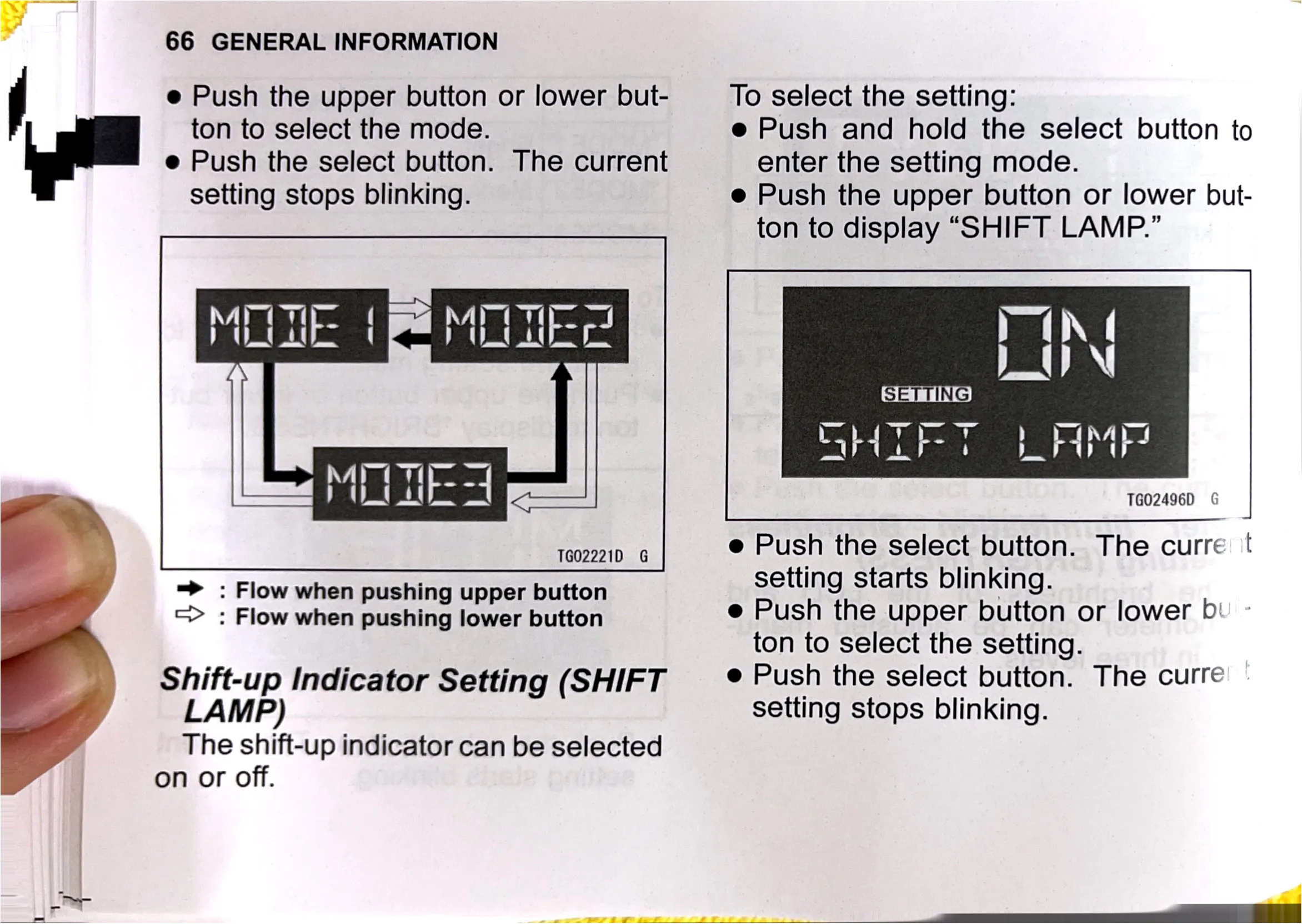
e Push the upper button or lower but-
ton to select the mode.

e Push the select button. The current
setting stops blinking.

To select the setting:
e Push and hold the select button to
enter the setting mode.

e Push the upper button or lower but-
ton to display “SHIFT LAMP.”

TG02496D G

1002221). 6 e Push the select button. The curre |!
=> : Flow when pushing upper button setting starts blinking.
=> : Flow when pushing lower button e Push the upper button or lower b'

ton to select the setting.
Shift-up Indicator Setting (SHIFT — ® Push the select button. The curre
LAMP)

setting stops blinking.

The shift-up indicator can be selected
on or off.