Owner's Manual — page 76 of 201 (printed page 74)
GENERAL INFORMATION
Text on this page
74 GENERAL INFORMATION

TG02503D G

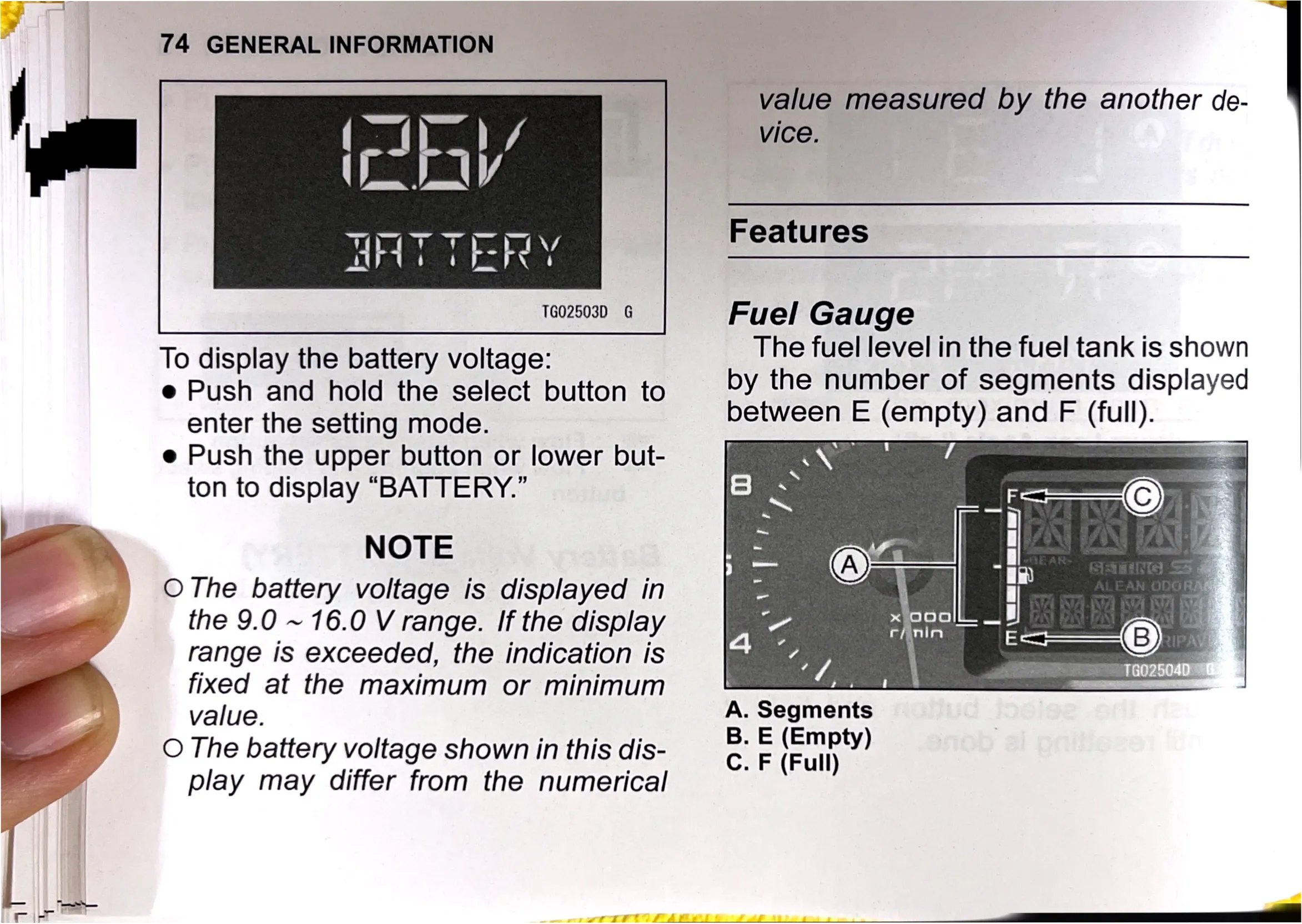
To display the battery voltage:

e Push and hold the select button to
enter the setting mode.

e Push the upper button or lower but-
ton to display “BATTERY.”

NOTE

O The battery voltage is displayed in
the 9.0 ~ 16.0 V range. If the display
range is exceeded, the indication is
fixed at the maximum or minimum
value.

O The battery voltage shown in this dis-
play may differ from the numerical

:

A.S

B. E (Empty)
C. F (Full)

value measured by the another de-
vice.

Features

Fuel Gauge

The fuel level in the fuel tank is shown
by the number of segments displayed
between E (empty) and F (full).

\Z t be t 7

egments