Service Manual (KLZ1000C) — page 582 of 762
Electrical System › Key Registration
Text on this page
16-100 ELECTRICAL SYSTEM
Immobilizer System (Equipped Models)
     Ignition Key Collation Error

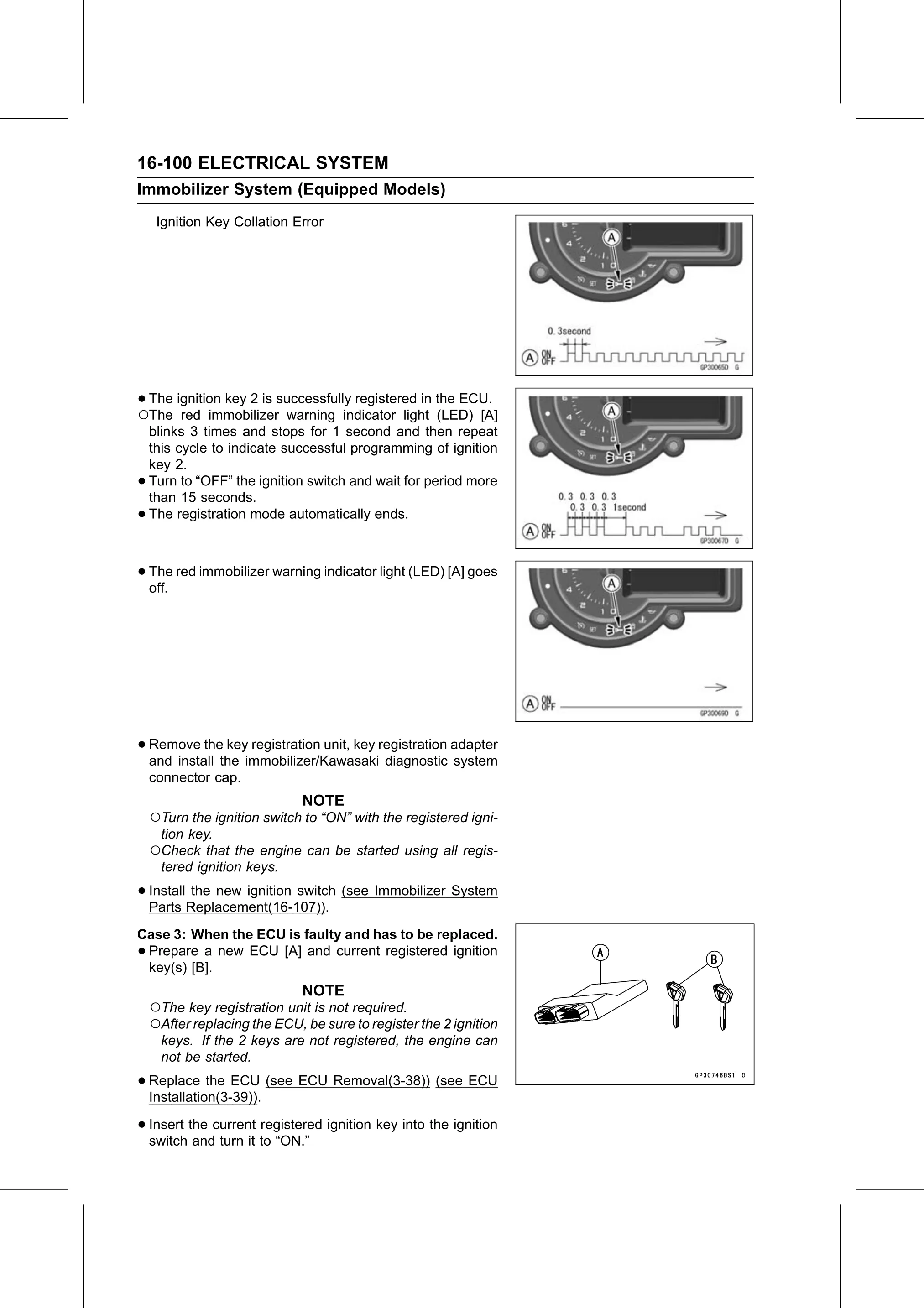
•○The ignition key 2 is successfully registered in the ECU.
  The red immobilizer warning indicator light (LED) [A]
    blinks 3 times and stops for 1 second and then repeat
    this cycle to indicate successful programming of ignition
    key 2.
•   Turn to “OFF” the ignition switch and wait for period more
    than 15 seconds.
•   The registration mode automatically ends.

• The
  off.
       red immobilizer warning indicator light (LED) [A] goes

• Remove   the key registration unit, key registration adapter
  and install the immobilizer/Kawasaki diagnostic system
    connector cap.
                              NOTE
    ○Turn the ignition switch to “ON” with the registered igni-
      tion key.
    ○Check that the engine can be started using all regis-
      tered ignition keys.

• Install the new ignition switch (see Immobilizer System
  Parts Replacement(16-107)).
Case 3: When the ECU is faulty and has to be replaced.
•Prepare a new ECU [A] and current registered ignition
 key(s) [B].
                              NOTE
    ○The key registration unit is not required.
    ○After replacing the ECU, be sure to register the 2 ignition
      keys. If the 2 keys are not registered, the engine can
      not be started.

• Replace    the ECU (see ECU Removal(3-38)) (see ECU
  Installation(3-39)).

• Insert the current registered ignition key into the ignition
  switch and turn it to “ON.”