Service Manual — page 629 of 715
Electrical System › Meter Operation Inspection
Text on this page
ELECTRICAL SYSTEM 16-69
Meter, Gauge, Indicator Unit

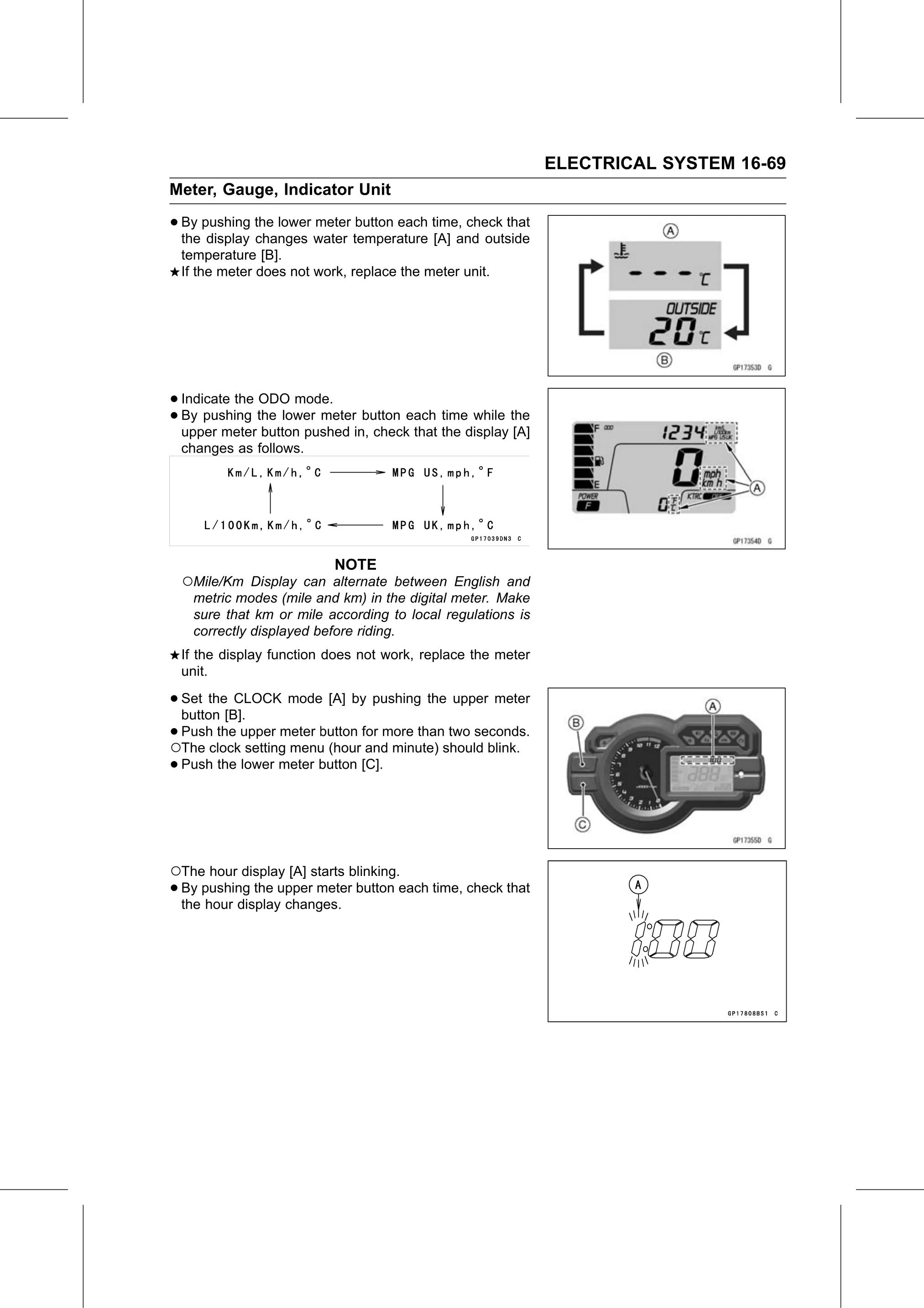
• By pushing the lower meter button each time, check that
  the display changes water temperature [A] and outside
 temperature [B].
 If the meter does not work, replace the meter unit.

• Indicate the ODO mode.
• upper meterthe
  By  pushing     lower meter button each time while the
               button pushed in, check that the display [A]
 changes as follows.

                           NOTE
 ○Mile/Km Display can alternate between English and
   metric modes (mile and km) in the digital meter. Make
   sure that km or mile according to local regulations is
   correctly displayed before riding.
 If the display function does not work, replace the meter
 unit.

• Set  the CLOCK mode [A] by pushing the upper meter
   button [B].
•○Push   the upper meter button for more than two seconds.
   The clock setting menu (hour and minute) should blink.
 • Push the lower meter button [C].

○The hour display [A] starts blinking.
• By pushing the upper meter button each time, check that
  the hour display changes.