Owner's Manual — page 73 of 201
GENERAL INFORMATION
Text on this page
TG02227D G

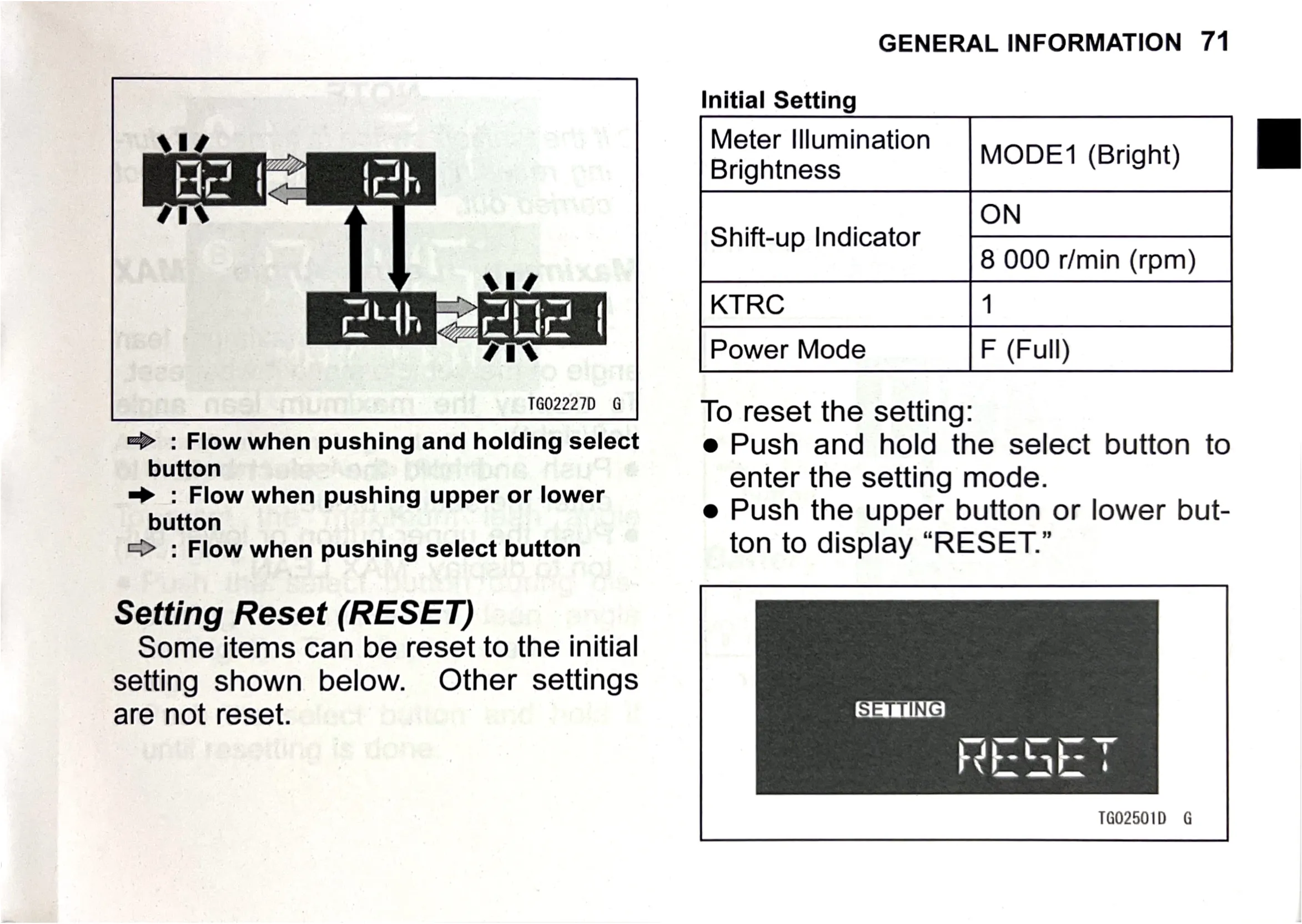
=> : Flow when pushing and holding select
button

=> : Flow when pushing upper or lower
button

=> : Flow when pushing select button

Setting Reset (RESET)

Some items can be reset to the initial
setting shown below. Other settings
are not reset.

GENERAL INFORMATION 71

Initial Setting
Meter Illumination ;
Brightness MODE 1 (Bright)
ON
Shift-up Indicator
8 000 r/min (rpm)
KTRC 1
Power Mode F (Full)

To reset the setting:

e Push and hold the select button to
enter the setting mode.

e Push the upper button or lower but-
ton to display “RESET.”

SETTING

TG02501D G