Service Manual — page 557 of 715
Frame › Center Stand Removal (Other than CN Model)
Text on this page
FRAME 15-29
Side Stand, Center Stand
Side Stand Removal
• Raise the rear wheel off the ground with the stand.
• Remove:
   Side Stand Switch Bolt [A]
     Nut [B]
     Side Stand Switch [C]

• Remove:
   Spring [A]
     Side Stand Nut [B]
     Side Stand Bolt [C]
     Side Stand [D]

Side Stand Installation
• Apply grease to the sliding area [A] of the side stand [B].
• Replace  the side stand nut [C] with a new one.
• stand nut. side stand bolt [D] first, and then the side
  Tighten the

    Torque - Side Stand Bolt: 30 N·m (3.1 kgf·m, 22 ft·lb)
             Side Stand Nut: 45 N·m (4.6 kgf·m, 33 ft·lb)
• Hook
  ward.
        the spring [E] so that the long spring end faces up-

○Install the spring hook direction as shown.
•○Install the side stand switch.
  Fit the slit [A] on the side stand switch to the pin [B] on the
    side stand.
•   Apply a non-permanent locking agent to the thread of the
    switch bolt, and tighten it.
    Torque - Side Stand Switch Bolt: 9.0 N·m (0.92 kgf·m, 80
                in·lb)

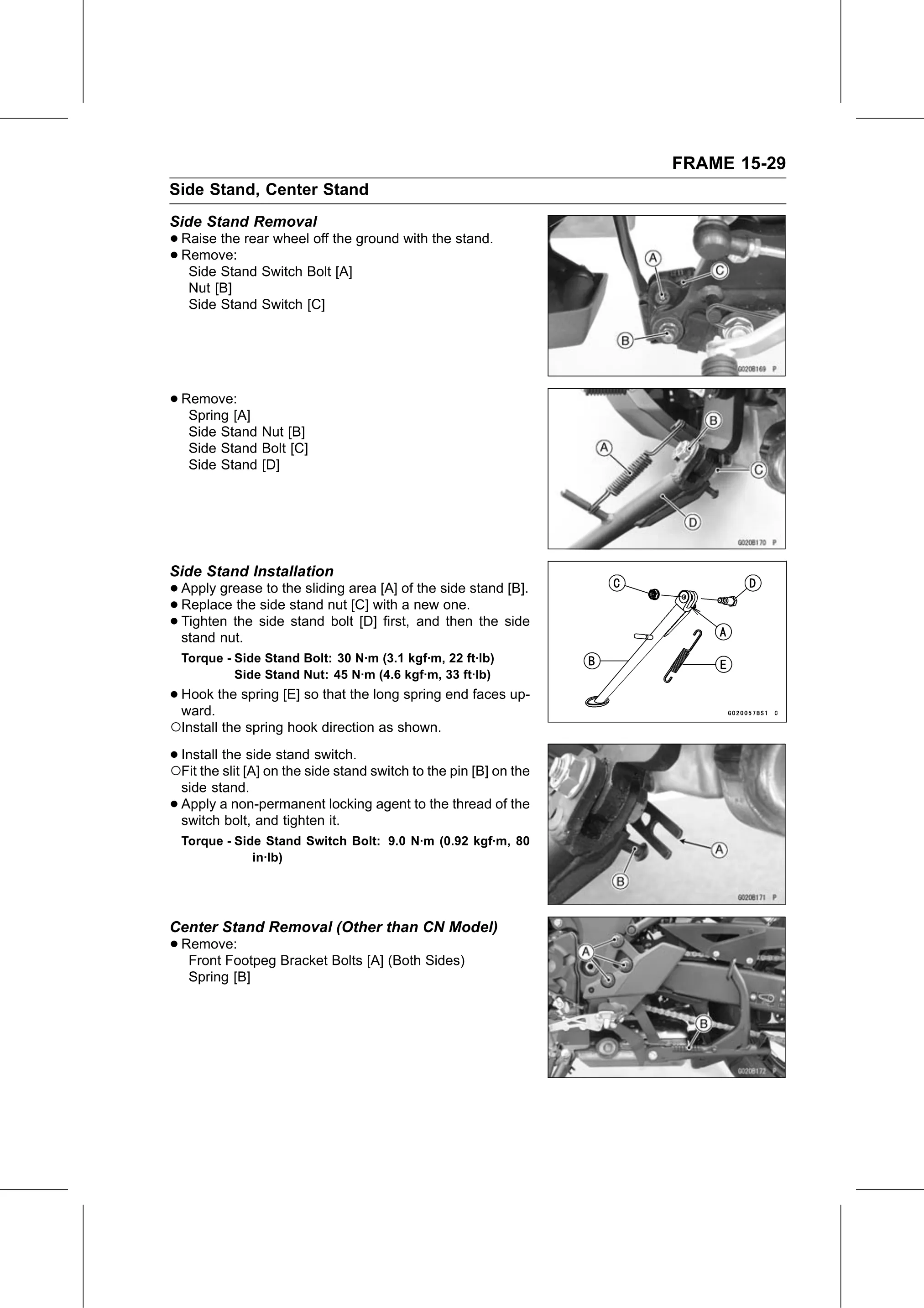
Center Stand Removal (Other than CN Model)
• Remove:
   Front Footpeg Bracket Bolts [A] (Both Sides)
     Spring [B]